Why Checking Your Uzbekistan Visa Status Matters
Uzbekistan visa status check is a crucial step after submitting your application. Here’s how to check your status quickly:
Quick Answer: How to Check Your Uzbekistan Visa Status
- For E-Visas: Visit visato.uz and enter your application ID or use your passport number + email address
- For Regular Visas: Visit the MFA portal and enter your registration number
- Results: You’ll see one of three statuses – Approved, In Process, or Rejected
- Processing Time: Expect 3-7 working days for e-visa applications
Applying for a visa can be stressful. You’ve submitted your application and paid the fees. Now comes the anxious wait. Will it be approved? When will I hear back? Can I book my flights yet?
The good news is that Uzbekistan’s e-visa system makes tracking your application straightforward. Whether you applied for an electronic visa or a traditional paper visa through an embassy, you can check your status online at any time.
Understanding how to perform an Uzbekistan visa status check gives you peace of mind and helps you plan your trip confidently. You’ll know exactly where your application stands and what to do next.
I’m Nariman Huseynov from Visato, and over the past 5 years, I’ve helped thousands of travelers successfully steer the Uzbekistan visa status check process and obtain their visas. In this guide, I’ll walk you through every step of checking your application status, what each result means, and what to do if your visa is rejected.
How to Perform an Uzbekistan Visa Status Check Online
Gone are the days of endless phone calls and uncertain waiting. The Republic of Uzbekistan has acceptd digital change, particularly with its e-visa system, to simplify the application process for foreign citizens and boost tourism. This means that for most applicants, checking your Uzbekistan visa status check can be done conveniently from anywhere with an internet connection.
The method you use to check your visa status largely depends on how you applied for your visa: whether it was through the electronic visa (e-visa) portal or a traditional application submitted to an embassy or consulate. It’s crucial to use the official portals to ensure you receive accurate and up-to-date information directly from the source.
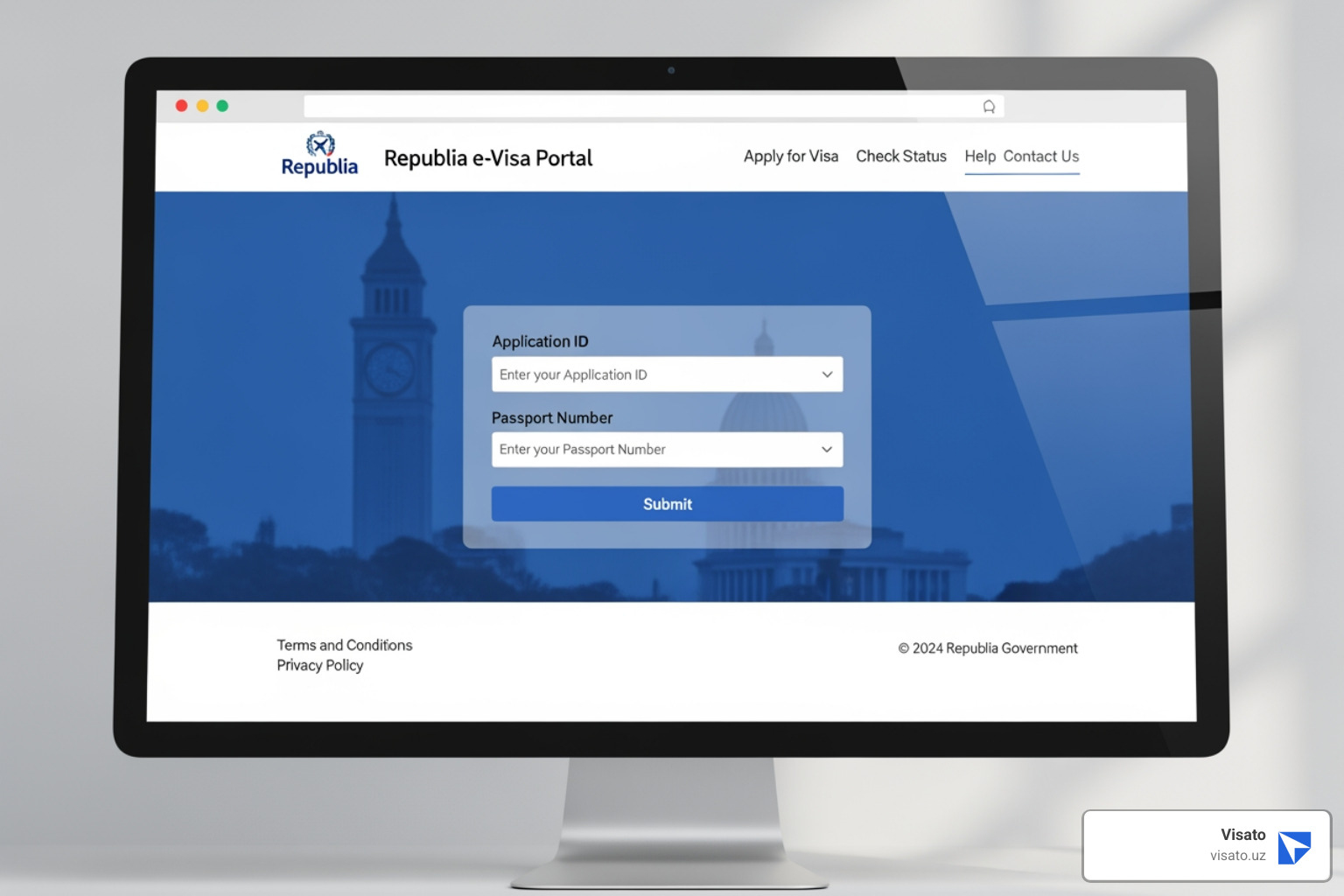
Step-by-Step Uzbekistan Visa Status Check for E-Visas
The e-visa system is the most common and efficient way for many nationalities to obtain an Uzbekistan visa. It was introduced to streamline entry procedures and has significantly increased accessibility for international travelers. If you applied for an e-visa, checking its status is quite simple.
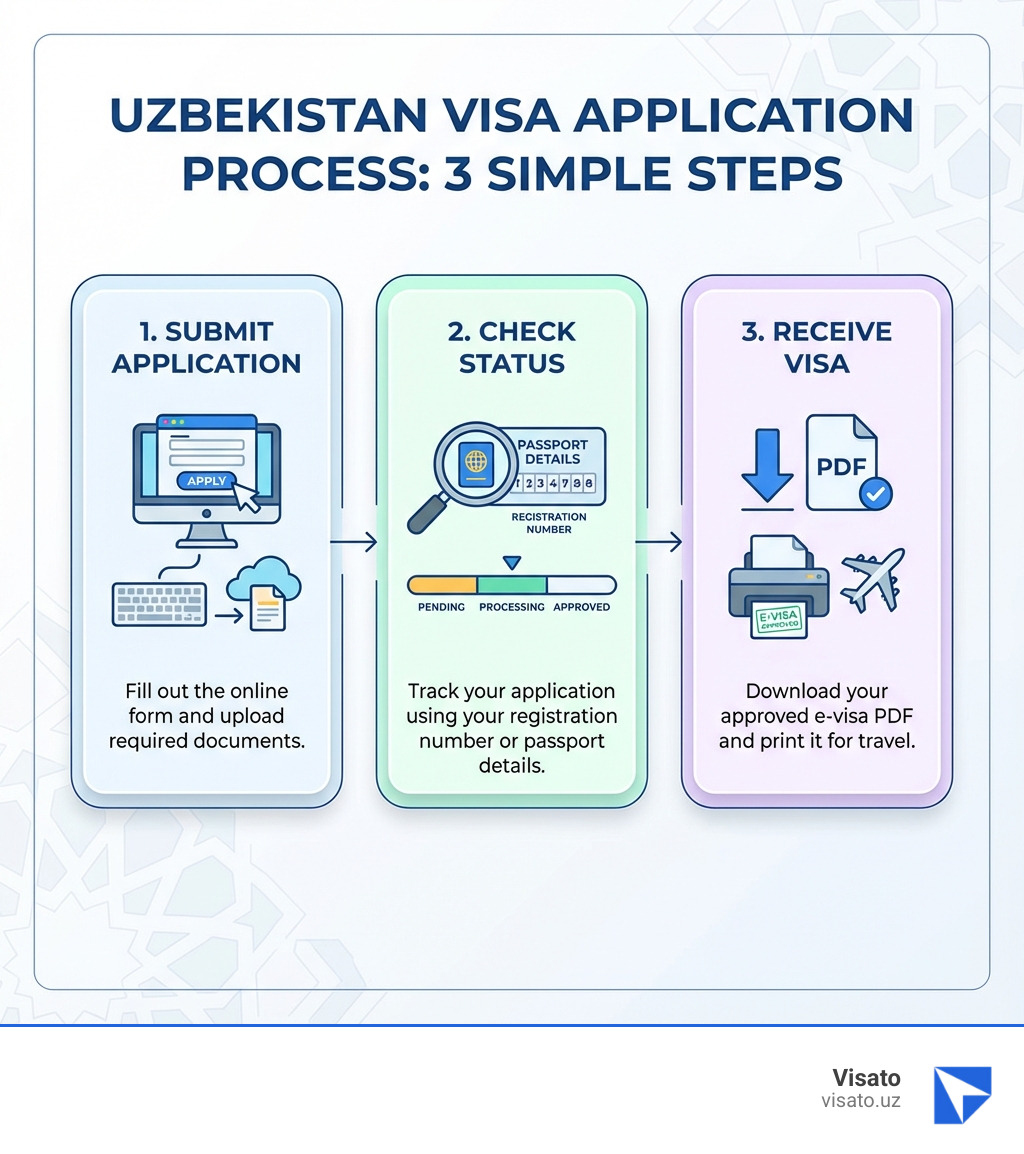
Here’s how we recommend checking your Uzbekistan e-visa status:
- Steer to the Official E-Visa Portal: Open your web browser and go to the electronic visa portal of the Republic of Uzbekistan. This is the primary online platform for all e-visa applications and status checks.
- Locate the Status Check Section: On the homepage, you’ll typically find a clear link or section dedicated to checking your application status. Look for terms like “Check Status,” “My Application,” or similar.
- Enter Your Application Details: The portal will usually ask for one of two combinations of information to retrieve your application:
- Application ID Number: When you first submitted your e-visa application, you would have received a unique Application ID (sometimes referred to as a Registration Number). This is the most direct way to check your status. Input this number accurately into the designated field.
- Email Address and Passport Number: If you can’t find your Application ID, don’t worry! The system often allows you to check your status by entering the email address you used during the application process along with your passport number. This is a handy alternative if you’ve misplaced your ID.
- Submit and View Status: After entering the required information, click the “Check Status” or “Submit” button. The system will then display the current status of your Uzbekistan e-visa application.
For more detailed guidance on navigating the online portal, you can refer to our comprehensive guide on How to Check Uzbekistan Visa Status Online.
Completing an Uzbekistan Visa Status Check for Regular Visas
While the e-visa system is popular, some travelers may still need to apply for a regular, “sticker” visa through an Uzbekistan embassy or consulate. This is often the case for specific visa types not covered by the e-visa system or for citizens of countries not yet eligible for e-visas. These applications typically require visa support from Uzbekistan’s Ministry of Foreign Affairs (MFA).
If you applied for a regular visa, here’s how you can check its status:
- Access the MFA Portal: The Ministry of Foreign Affairs (MFA) has a dedicated portal for checking the status of regular visa applications. You can access it directly via Check visa status.
- Provide Your Registration Number: For regular visas, you will usually be provided with a specific registration number or reference number once your application has been submitted and processed by the MFA. This number is your key to tracking its progress.
- Enter and Retrieve: Input your unique registration number into the provided field on the MFA portal and click to check your status. The system will then display the current standing of your application.
Regular visa applications might have different processing timelines compared to e-visas, and communication may sometimes involve the embassy or consulate directly. For further information, our resource on E-Visa MFA Uz can provide additional context.
What Information Do You Need?
To successfully perform an Uzbekistan visa status check, whether for an e-visa or a regular visa, you’ll need specific pieces of information. Having these ready before you start will save you time and potential frustration.
The primary pieces of information required are:
- Application Registration Number (or Application ID): This is a unique alphanumeric code assigned to your application when you first submit it. For e-visas, this is often called an Application ID. For regular visas, it might be referred to as a registration number or reference number. This number is typically sent to you via email shortly after your application submission. It often looks something like ‘A2C-B2E4’.
- Passport Number: Your valid passport number is always a crucial piece of identification. Make sure to use the exact passport number that was used in your visa application.
- Email Address: The email address you provided during your visa application is often used as a secondary identifier, especially if you need to retrieve your Application ID or check your status without it.
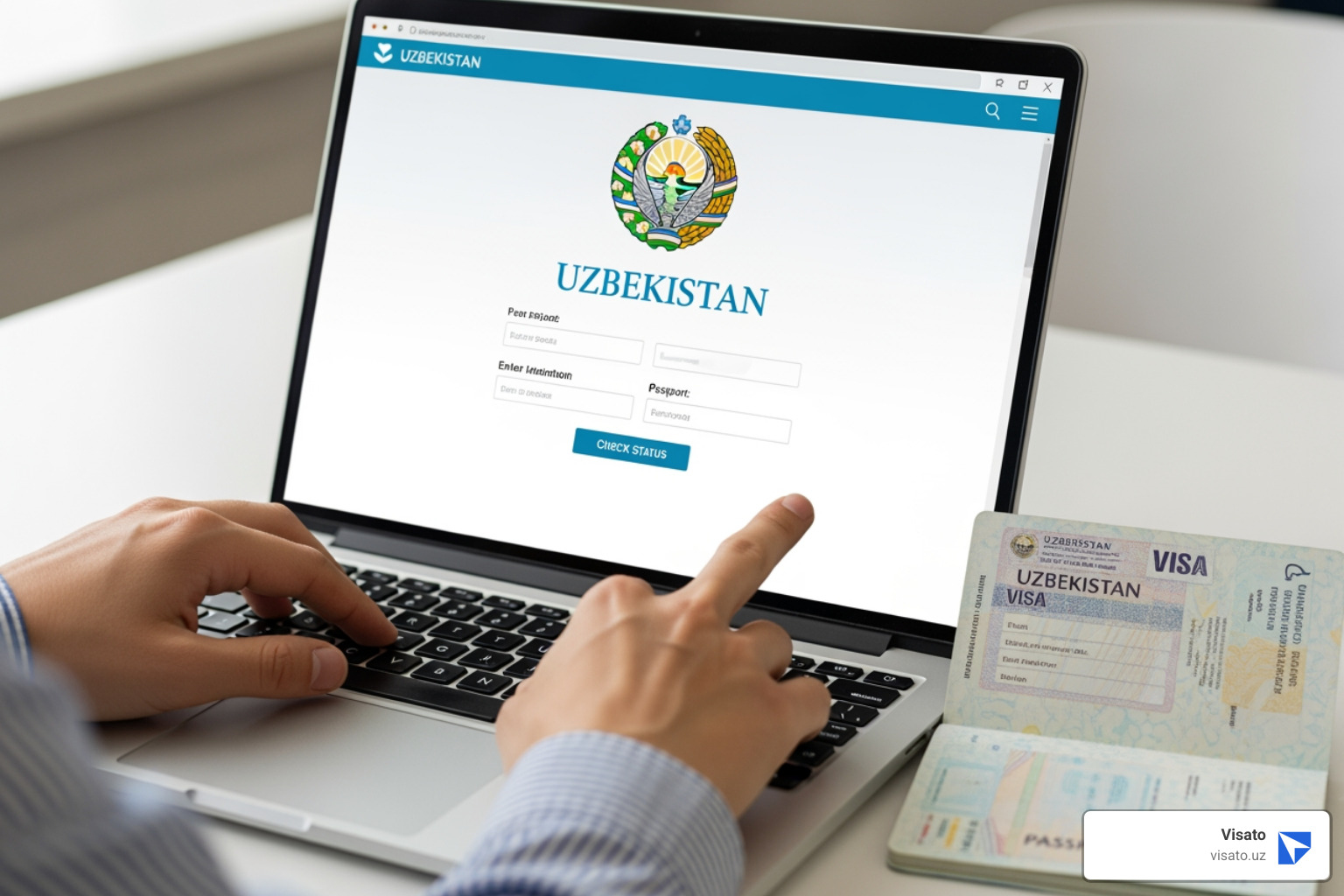
We always advise applicants to keep a record of their Application ID, the email address used, and a copy of their passport details in a safe and easily accessible place. This way, your Uzbekistan visa status check will be a breeze. For more details on what information is crucial, visit our guide on Evisa MFA Uz Check Visa Status.
Understanding Your Uzbekistan Visa Status Results
Once you’ve entered your application details into the official portal, you’ll receive a status update. These statuses are straightforward but understanding what each one means is key to knowing your next steps. Let’s break down the common results you might see during an Uzbekistan visa status check.
Approved
This is the status everyone hopes for! When your Uzbekistan visa status check shows “Approved,” it means your application has been successfully processed, and your visa has been granted.
- Notification: For e-visa applicants, you will typically receive an email notification. This email will contain your Uzbekistan e-visa attached as a PDF document.
- Next Steps: We strongly advise printing out this PDF e-visa and carrying it with you when you travel to Uzbekistan. While digital copies are often accepted, having a physical printout can prevent any potential misunderstandings or delays at immigration checkpoints. You are now cleared to travel and can proceed with your flight and accommodation bookings with full confidence.
Congratulations! You’re one step closer to exploring the wonders of Uzbekistan. For further details on what to do with your approved e-visa, check out our guide on E-Visa to Uzbekistan.
In Process
If your Uzbekistan visa status check shows “In Process,” it simply means that your application is currently under review by the authorities. This is a normal stage in the visa application journey.
- Application Under Review: Your submitted documents and information are being carefully examined by the consular department. This includes background checks and verification of the details you provided.
- Standard Processing Time: The processing time for an e-visa typically ranges from 3 to 7 working days. While some applications might be processed faster, it’s wise to anticipate this timeframe. For regular visas, the processing can sometimes take longer, especially if it requires visa support from the Ministry of Foreign Affairs.
- Administrative Processing: In some cases, applications might undergo additional “administrative processing.” While this is more commonly associated with certain complex visa types or specific nationalities, it essentially means further checks are being conducted. This can extend the processing time beyond the typical window.
- Patience Required: The best course of action when your status is “In Process” is to be patient. Avoid submitting multiple inquiries, as this can sometimes inadvertently slow down the process. The system will update automatically once a decision has been made.
Rejected
Receiving a “Rejected” status can be disheartening, but it’s important to understand that it’s not always the end of the road. An Uzbekistan visa status check showing “Rejected” means your application did not meet the necessary criteria for approval at that time.
- Denial Notification: Along with the “Rejected” status, you should receive a denial notification or a visa refusal letter. This document is crucial as it typically outlines the reasons for the rejection.
- Reasons for Rejection: The rejection reasons can vary widely. Common issues include incomplete documentation, inaccurate information, passport validity issues, or other concerns identified during the review process. We’ll dig deeper into common rejection reasons in the next section.
- Re-application Process: If your visa is rejected, you usually have the option to reapply. However, first understand why your initial application was rejected and address those specific issues before submitting a new one. Reapplying without correcting the underlying problems will likely lead to another rejection.
For a comprehensive understanding of potential issues and how to steer them, our Uzbekistan E-Visa Problems Complete Guide offers valuable insights.
What to Do If Your Visa Application is Rejected
A visa rejection can feel like a roadblock, but it’s often a hurdle that can be overcome with careful attention and correction. If your Uzbekistan visa status check reveals a “Rejected” outcome, your immediate next step should be to understand the reasons and prepare for a re-application.
First, thoroughly review the refusal letter or notification you received. This document is your most important clue, as it should detail the specific grounds for rejection. Without understanding the reason, reapplying might lead to the same result.
Here are some common reasons why an Uzbekistan visa application might be rejected and what you can do about them:
- Incorrect or blurry photograph:
- Issue: The photo you uploaded was not recent, did not meet passport photo standards (e.g., incorrect size, poor lighting, obscured face), or was simply blurry.
- Solution: Ensure your new photo is a recent, clear, color passport-sized photo with a white background, showing your full face directly facing the camera, and no shadows.
- Passport not valid for at least 90 days beyond stay:
- Issue: Your passport’s validity period was shorter than the required minimum (typically 3 months beyond your intended departure date from Uzbekistan).
- Solution: Renew your passport before reapplying. Always ensure your passport has at least one blank page for stamps and is valid for a sufficient period.
- Incomplete or inaccurate application data:
- Issue: You left mandatory fields blank, provided inconsistent information (e.g., dates not matching your travel itinerary), or made typos in your personal details.
- Solution: Double-check every single field on your application form. Verify that all information matches your passport and supporting documents exactly. Pay close attention to dates, names, and passport numbers.
- Previous immigration violations:
- Issue: You may have overstayed a previous visa, violated immigration laws in Uzbekistan or another country, or have a record that raises security concerns.
- Solution: If this is the reason, it’s a more complex issue. You might need to seek legal advice or contact the consular department directly to understand if and how you can address these past issues before reapplying. Sometimes, a waiting period or providing additional context might be necessary.
Re-application Advice:
You can typically reapply for an Uzbekistan visa immediately after a rejection. However, the key to success is to address the reasons for the initial rejection completely. Do not submit the same application with the same errors. Take your time to gather correct documents, update information, and ensure everything is accurate and complete.
The goal of the visa process is to ensure legitimate travel and compliance with immigration laws. By understanding and rectifying any issues, you significantly increase your chances of approval on your next attempt.
Frequently Asked Questions about Uzbekistan Visa Status
We understand that the visa application process can bring up many questions, especially when you’re eagerly awaiting a decision. Here, we address some of the most common inquiries we receive regarding the Uzbekistan visa status check.
How long does it take to get a decision on my Uzbekistan e-visa?
The standard processing time for an Uzbekistan e-visa is typically 3 to 7 working days. This timeframe allows the authorities to thoroughly review your application. We always recommend that you apply for your e-visa at least 3 working days before your planned travel date to ensure there’s ample time for processing and to account for any unforeseen delays. While the e-visa system was introduced to simplify and speed up procedures, and it usually works quite efficiently, patience is a virtue during this period.
Can I check my visa status without an application number?
Yes, absolutely! We know how easy it is to misplace an application number or forget where you saved it. If you find yourself in this situation, you can still perform your Uzbekistan visa status check on the official e-visa portal. Typically, the system allows you to check your status using a combination of your email address and passport number. Just ensure you use the exact email address that you provided during your initial application. This flexibility ensures that you can always access your application’s progress.
Are third-party visa status checkers reliable?
While some third-party tools or websites might claim to offer an Uzbekistan visa status check service, we always recommend exercising caution. For the most accurate, secure, and up-to-date information, it is unequivocally best to use the official government portals. These portals, such as e-visa.gov.uz, provide direct access to the immigration system’s data, ensuring you receive information straight from the source.
When you use official channels or trusted partners like Visato, you benefit from direct integration with the government systems, reducing the risk of misinformation or data security issues. Unofficial third-party sites might not have real-time updates, could display outdated information, or even pose a risk to your personal data. Stick to the official sources for peace of mind.
Your Next Steps After Checking Your Visa Status
Navigating the Uzbekistan visa status check process is a crucial part of your travel planning. Whether your visa was approved, is still in process, or unfortunately rejected, knowing its status empowers you to take the appropriate next steps.
We’ve walked you through the different ways to check your status, the information you’ll need, and what each outcome signifies. Our primary advice remains consistent: always prioritize using the official government portals for your status checks. This ensures accuracy and security, giving you the most reliable information directly from the Uzbek authorities.
If your visa is approved, print your e-visa and get ready for an incredible journey to Uzbekistan! If it’s still in process, a little patience is in order. And if it was rejected, don’t lose hope—address the reasons for rejection and reapply.
At Visato, we are committed to making your visa application journey as smooth as possible. We understand the nuances of the Uzbek visa system and are here to support you every step of the way.
Ready to explore the ancient Silk Road cities and vibrant culture of Uzbekistan? Let us help you ensure your travel documents are in order.
Get your visa with our comprehensive Uzbekistan E-Visa Guide