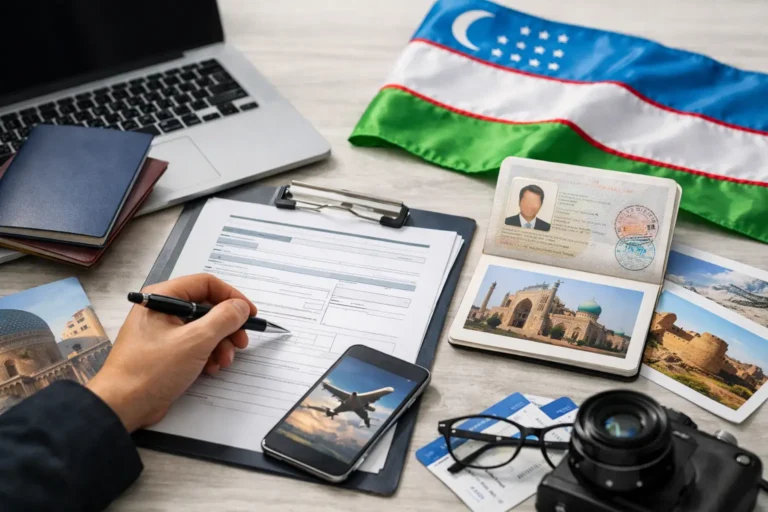
One wrong passport number or a mismatched travel date can slow down an otherwise simple application. If you are searching for how to fill Uzbekistan visa form correctly, the good news is that the process is usually straightforward when you know exactly what each field is asking for and how your documents should match.
For most travelers, the Uzbekistan e-Visa application is designed to be completed online in just a few steps. The part that causes delays is not usually the form itself. It is inconsistent details, unclear uploads, or choosing information that does not match the passport or travel plan. A careful application saves time and reduces the chance of avoidable issues.
How to fill Uzbekistan visa form without mistakes
The best approach is simple: prepare your documents first, then complete the form slowly and exactly as your passport shows. Do not rely on memory for passport details, issue dates, or expiration dates. Even small typing errors matter.
Before you start, keep your passport in front of you, make sure it is valid for the required period, and have a digital passport photo ready if the application asks for one. You should also know the purpose of your trip, your expected arrival date, and where you will stay in Uzbekistan.
If you are applying for tourism, business, or medical travel, the form may ask for slightly different supporting details. That does not make the process difficult, but it does mean you should choose your visa purpose carefully. Pick the option that matches the real reason for your visit.
Start with your personal information
The first section usually asks for basic identity details. Enter your full name exactly as it appears in your passport. If your passport includes a middle name, include it in the same way. If it does not, do not add one just because you commonly use it elsewhere.
Your date of birth, gender, nationality, and country of birth should also match your official passport information. This sounds obvious, but applicants sometimes use another citizenship, an old passport, or a shortened version of their name from a frequent flyer account. The visa form should always follow the passport you will travel with.
Email address and phone number are also important. Use an active email account that you check regularly because updates, requests, or the final visa document may be sent there. If you make a typo in your email, the application can become harder to track.
Enter passport details exactly as shown
This is where many mistakes happen. The passport number must be entered character for character, with the correct letters and numbers in the right order. Double-check common confusion points like the letter O and the number 0, or I and 1.
You will usually need to provide the passport issue date and expiration date. Make sure you select the correct format on the form. In some systems, month and day can be confused if you move too quickly. It helps to pause and recheck every date before submitting.
Your passport should generally have enough remaining validity for travel. If your passport is close to expiring, it may be better to renew it first and apply with the new document. That depends on your travel timing, but using a passport that may soon expire can create complications later.
Choose the correct visa type and travel purpose
When deciding how to fill Uzbekistan visa form fields related to visa category, accuracy matters more than speed. Tourist, business, and medical visits are not interchangeable. Choose the category that reflects your actual trip purpose and any documents you may be asked to provide.
Your planned arrival date should be realistic. Do not choose a random date just to move forward. If your visa is approved for a certain validity period, your travel should fit within that window. If your plans are still flexible, use your best expected date and make sure it aligns with your itinerary.
Some forms may also ask about intended length of stay, accommodation details, or previous visits. Answer honestly and keep your responses consistent with any hotel bookings or supporting information you may submit.
Documents and uploads that support your form
A clean, readable document upload can make a big difference. If the application asks for a passport scan, upload a clear image of the main biographical page. All text should be readable, and the full page should be visible without cut edges, glare, or blur.
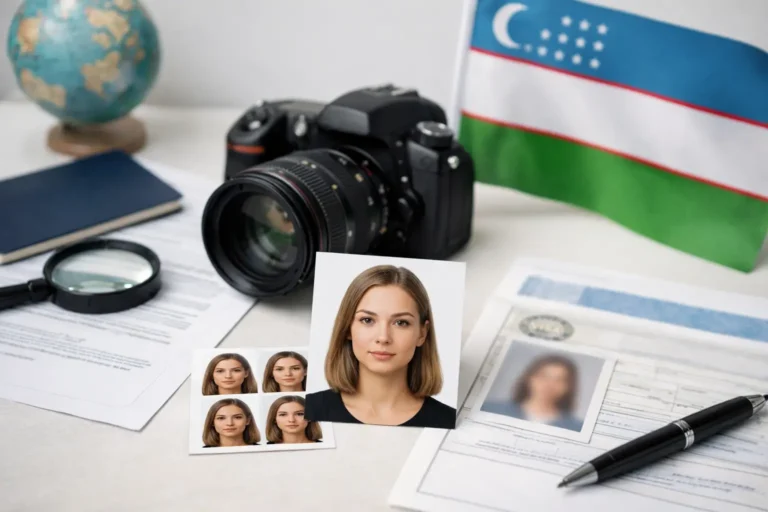
For passport photos, follow the stated size and background requirements closely. A casual cropped selfie may not be accepted if the system expects a formal passport-style image. This is one of those small details that can hold up an otherwise complete application.
If you need to upload medical or business-related documents, use files that are easy to read and properly named. Poor-quality uploads may lead to extra review time. Fast processing starts with complete and legible documents.
Check consistency across every field
The form, passport, photo, and any supporting files should all tell the same story. Your name should be spelled the same way everywhere. Your travel purpose should match the supporting document. Your passport number should match the upload exactly.
This is especially important for travelers who hold dual nationality or who recently renewed a passport. Use one passport throughout the entire application and for the trip itself. Mixing details from two different passports can create confusion and delay.
Common mistakes that can delay approval
Most visa form problems come from a short list of issues. Applicants rush through the form, skip a final review, or assume minor errors will not matter. In visa processing, they often do.
One common mistake is entering nickname-based names instead of passport names. Another is selecting the wrong nationality from a dropdown menu. Travelers also sometimes upload low-resolution passport copies or enter travel dates that do not make sense with the requested visa period.
Payment-related mistakes can also interrupt the process if the application is not completed properly after submission. If the platform gives you a confirmation screen or reference number, save it. That makes status checks and support requests much easier later.
What to review before you submit
Before final submission, review your name, passport number, passport dates, nationality, email address, and intended arrival date one more time. This last check takes less than a minute and can save days of back-and-forth later.
It is also smart to confirm that your uploaded files open correctly and are not upside down, cropped, or too dark to read. If the system allows previewing, use it. If not, open the files on your device before you submit.
If you are not sure about a field
Some travelers hesitate because one field seems unclear. That is normal, especially if it is your first Uzbekistan e-Visa application. If a question is not fully clear, do not guess if the answer affects identity, passport data, or visa category. Those are the fields where accuracy matters most.
A support-driven application process can help here. Platforms such as Visato.uz are built for travelers who want a faster, fully digital route with guidance available when a form field or document requirement is confusing. That can be especially useful if you are applying close to your travel date and want to reduce the risk of avoidable errors.
How long should the form take?
If your documents are ready, filling out the form itself is usually quick. In many cases, it takes only a few minutes. The real time-saving factor is preparation. When your passport scan, photo, and travel details are ready before you begin, the process feels much simpler.
If you have to stop midway to search for dates, resize files, or confirm passport information, the application becomes slower and more stressful than it needs to be. A little preparation goes a long way.
Final tips for a smooth Uzbekistan visa application
Treat the form like a travel document, not a casual online signup. Use exact passport details, choose the correct visa purpose, upload clear files, and review everything before you submit. If your plans are straightforward, the application can be fast and manageable. If anything is unclear, getting help early is better than fixing mistakes later.
A careful form today can save you from delays tomorrow, and that is one of the easiest ways to keep your trip to Uzbekistan on track.